
Learn the controls
Find assets, set a trade amount, choose an expiry or duration, and understand where results and history appear.
Explore the trading interface, test a repeatable routine and understand how orders work before considering real-money trading.
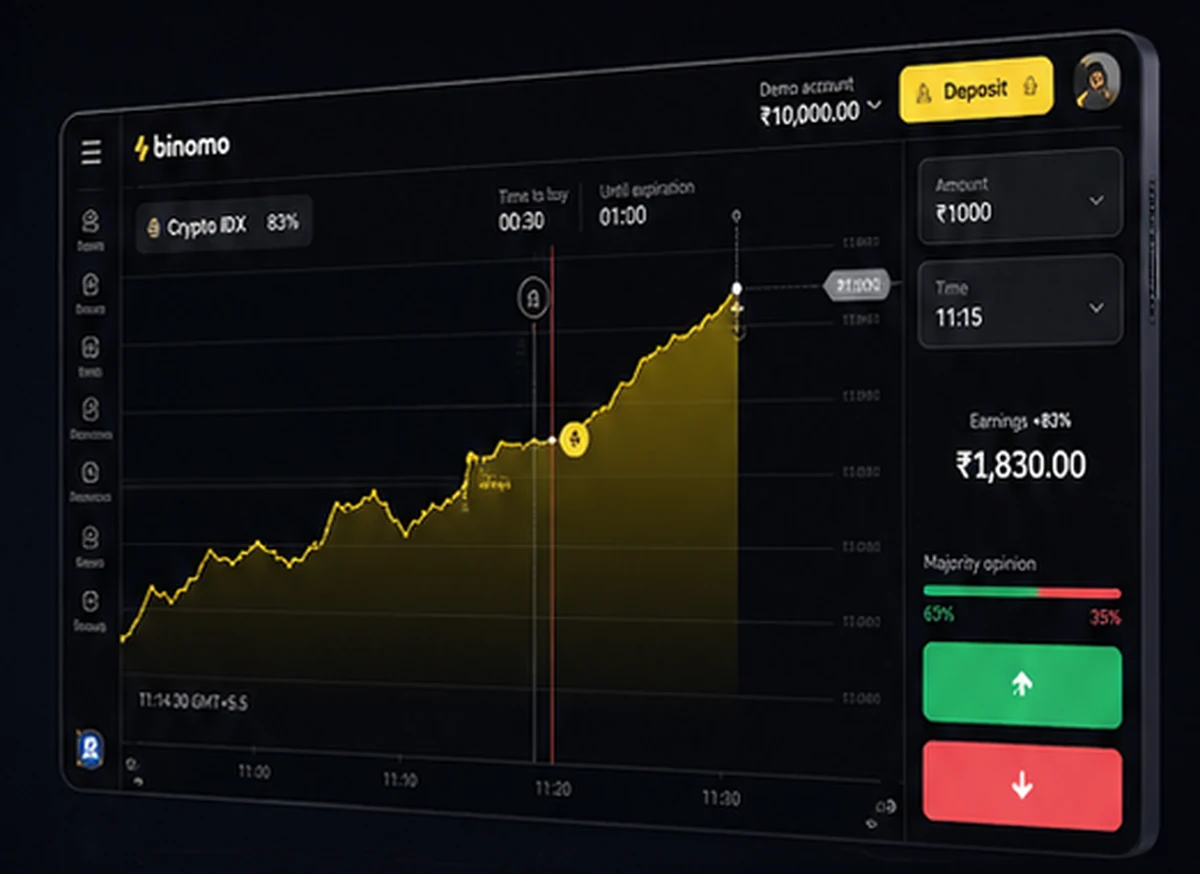
Virtual fundsLearn without depositing
Market-style chartsPractise reading movement
Trade historyReview decisions and timing
Flexible practiceUse the web or app
Demo mode is useful when it is treated as a training environment—not as proof that a strategy will produce the same outcome with real funds.
Find assets, set a trade amount, choose an expiry or duration, and understand where results and history appear.
Practise the same checklist repeatedly instead of making random entries based on short-term chart movement.
Record why you entered, what happened next and whether you followed your original plan.
See whether the desktop or mobile interface feels clearer for chart analysis and account navigation.
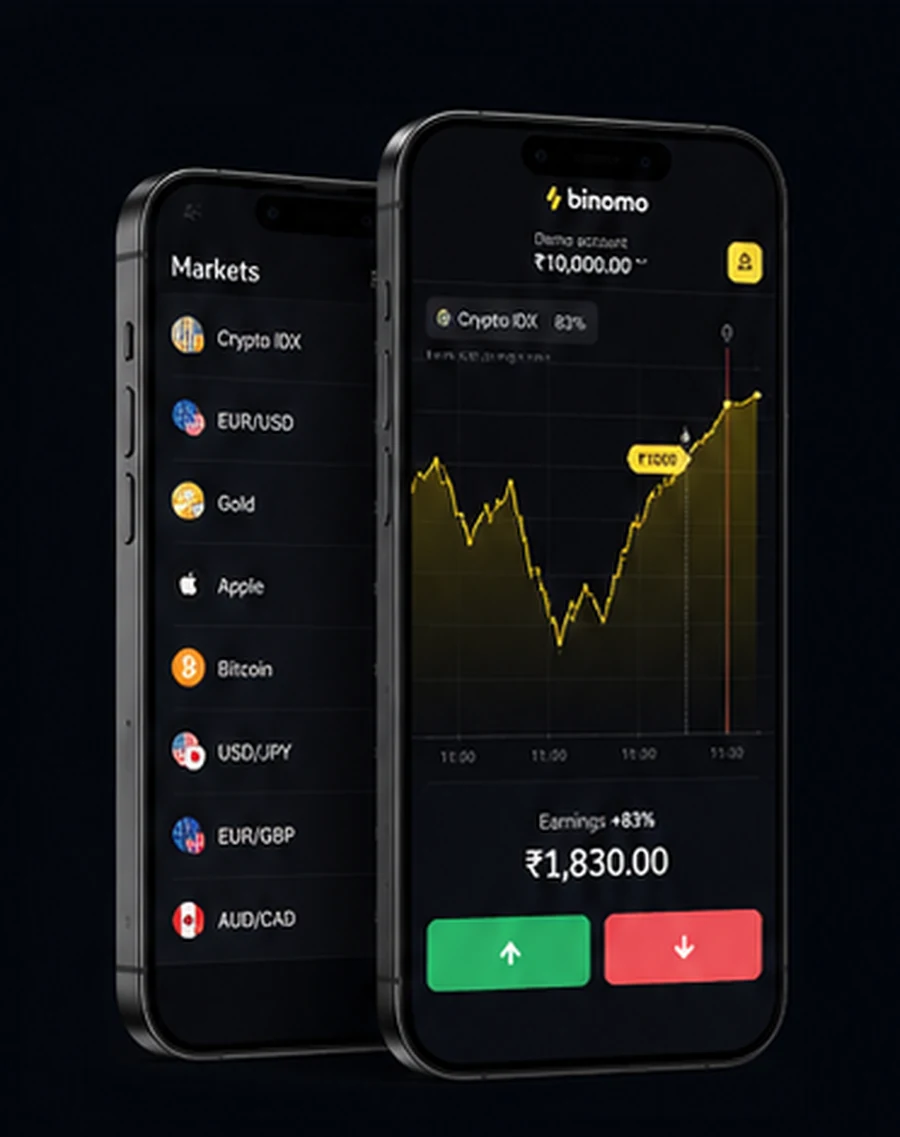
The interface mirrors the essential flow of the platform: choose an asset, observe a line chart, define a position and review the outcome. The goal is not to chase a virtual profit total. The goal is to build a process you can explain.
Watch price movement across different time windows without reacting to every tick.
Use a consistent virtual amount so results are easier to compare.
Write down the reason for each decision before seeing the result.
Learn account settings, history, help resources and security options.
Use the official platform link and select demo or practice mode where available.
Check that the account is showing a virtual balance rather than deposited funds.
Choose one asset, one chart view and one fixed virtual trade amount for the session.
Judge whether you followed the plan, not only whether a simulated trade finished positively.
Use this comparison to keep expectations realistic when moving from virtual practice to a funded account.
| Feature | Demo mode | Real-money mode |
|---|---|---|
| Balance | Virtual funds | Deposited funds |
| Financial loss | No real-money loss from simulated trades | Deposited capital can be lost |
| Emotional pressure | Usually lower | Often significantly higher |
| Primary purpose | Learning controls and testing a routine | Placing live trades under platform terms |
| Results | Useful for practice, not predictive | Variable and never guaranteed |
Short, focused sessions make it easier to compare decisions. Avoid opening many simulated positions simply because the balance is virtual.
Choose one asset and observe the line chart without placing a trade.
Write one entry condition and one reason not to enter.
Place a maximum of two simulated trades using the same virtual amount.
Review whether the plan was followed and note one improvement.
The Binomo demo account is intended to help users become familiar with the platform before using deposited funds. In practice mode, the displayed balance is virtual. Users can explore the chart, asset selector, amount controls and trade history while learning how the interface responds on desktop or mobile.
A demo account is most useful when practice has rules. Select a limited number of assets, keep the virtual position size consistent and record why each simulated trade was opened. This makes the session easier to review and reduces the temptation to treat virtual results as guaranteed future performance.
Real trading remains different. Financial pressure can change behaviour, and deposited funds may be lost. Demo performance should therefore be treated as platform practice and education, not as evidence of certain income or profitability.
These answers describe the general purpose of demo mode. Platform availability and account conditions can vary by region.
Independent partner guideRegistration and trading take place on the official platform.
A Binomo demo account is a practice environment that uses virtual funds rather than your own money. It lets you explore the platform interface, open simulated trades and review results without real-money exposure.
Demo mode is designed for practice and does not require a real-money deposit. Access steps and the virtual balance displayed may vary by country, device or current platform campaign.
Binomo commonly presents a virtual practice balance of 10,000 units in demo mode. The exact amount and currency display can vary by locale or platform version.
No. Demo performance does not guarantee future results. Real trading adds financial pressure, execution differences and the possibility of losing deposited funds.
The platform may allow users to switch between practice and real modes from the account interface. Availability and account requirements depend on the user's region and the current platform version.
No. binomo-demo.com is an independent informational partner website. Account registration and trading services are provided on the official Binomo platform.